ExportKit
Checklist
Every asset a store listing needs
A submission stalls on the one asset nobody remembered — usually the feature graphic, or a screenshot in the wrong aspect ratio. This is the full list for both stores, with the numbers and the character limits in one place.
What's in this article
Google Play: icon, feature graphic, phone screenshots, and the listing text. App Store: icon, per-device screenshots, and its own text fields with shorter limits. Everything below is the exact requirement, not a recommendation.


Google Play
| Asset | Spec | Required? |
|---|---|---|
| App icon | 512 × 512, 32-bit PNG with alpha, ≤ 1024 KB | Yes |
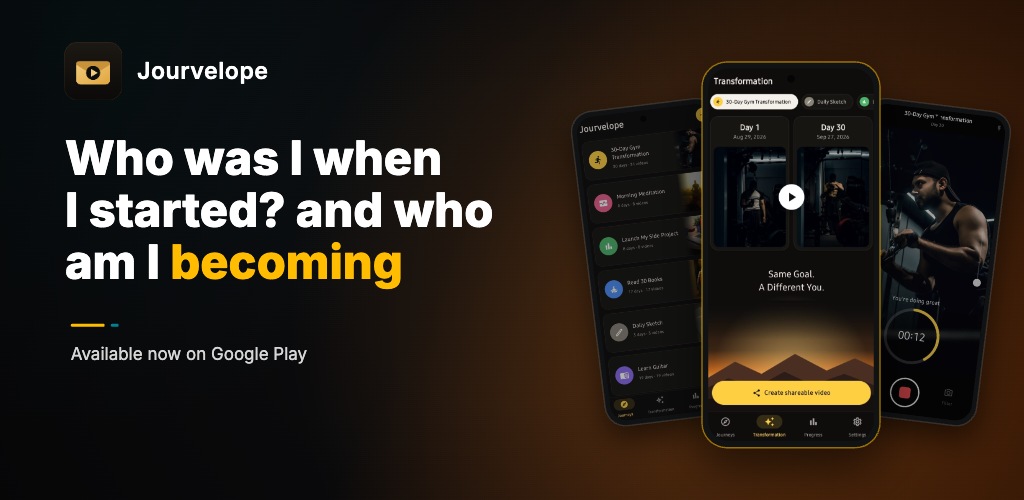
| Feature graphic | 1024 × 500, JPEG or 24-bit PNG, no alpha | Yes |
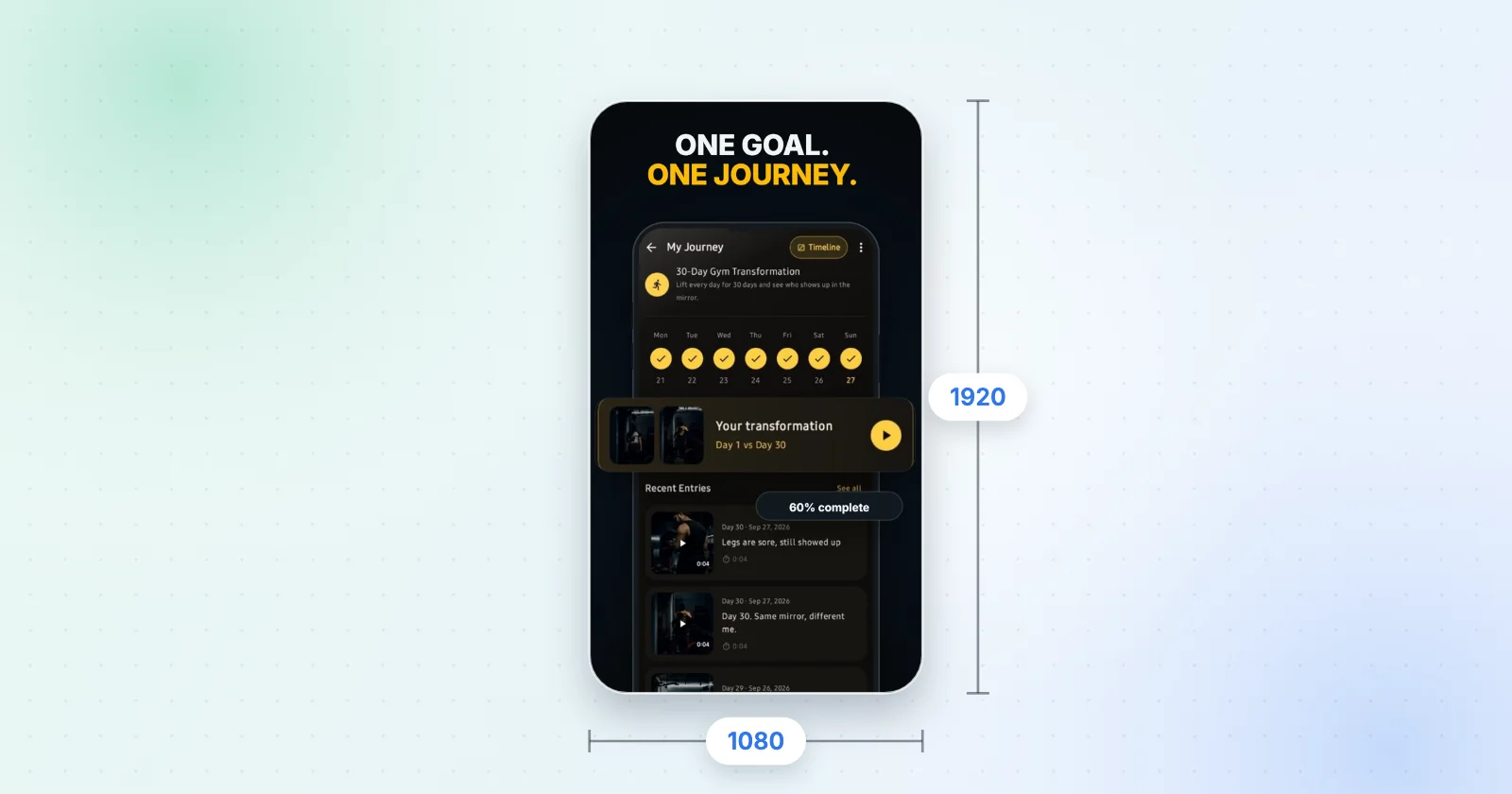
| Phone screenshots | 320–3840 px per side, long side ≤ 2× short1080 × 1920 recommended | Yes — 2 minimum, 8 max per device type |
| Tablet / Chromebook screenshots | 1080–7680 px, 16:9 or 9:16 | Recommended — 4 or more |
Source: Play Console Help — Graphic assets, screenshots & video. Read on 17 October 2026.
App Store
| Asset | Spec | Required? |
|---|---|---|
| App icon | 1024 × 1024, square, full-bleed | Yes |
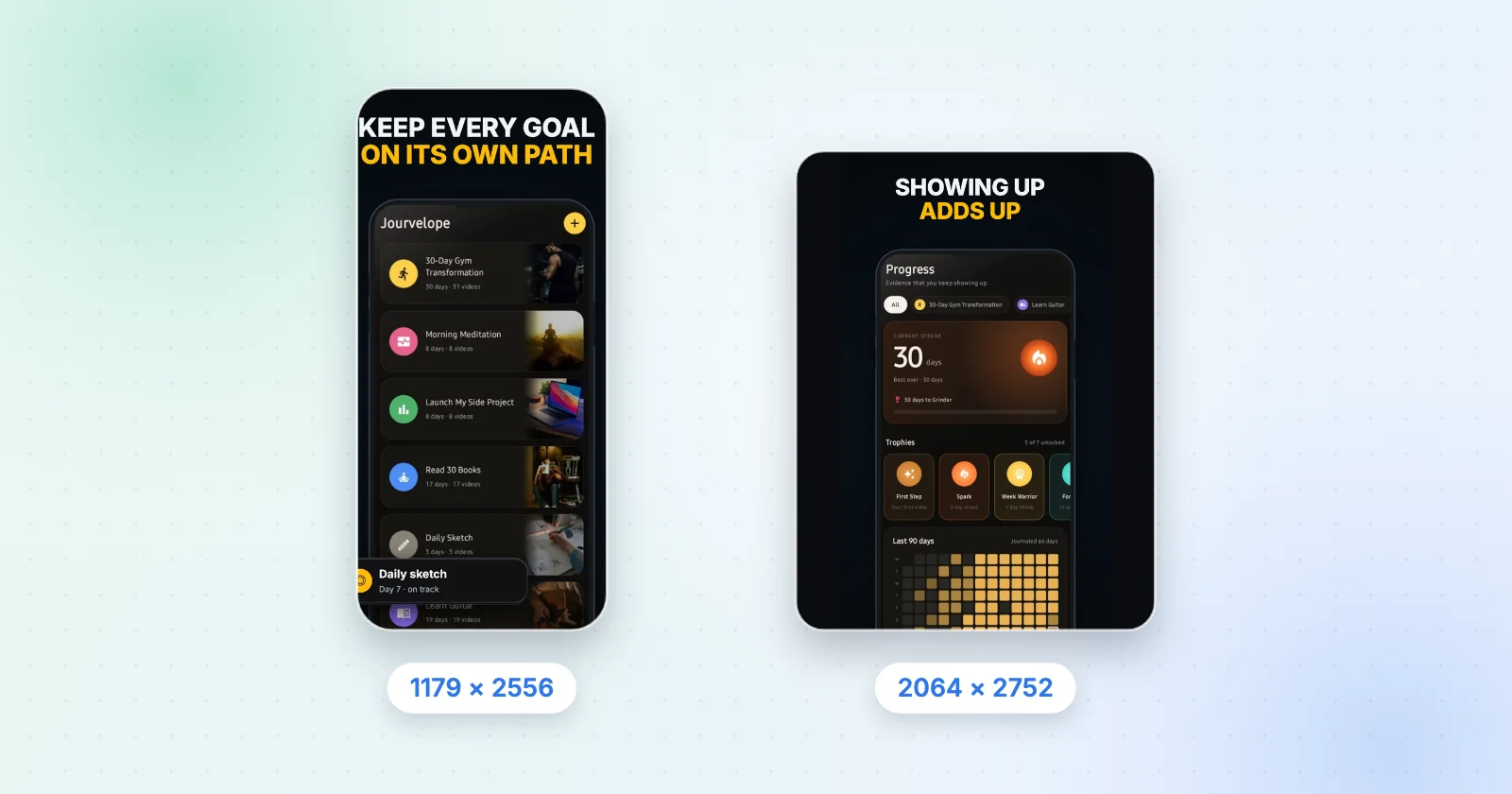
| iPhone screenshots | 1179 × 2556 or 1206 × 2622Dynamic Island, medium display | Yes — at least one |
| iPad screenshots | 2064 × 2752 or 2048 × 2732 | Yes, if the app runs on iPad |
| Other display sizes | See the full table | Optional — scaled from a larger set |
Source: App Store Connect Help — Screenshot specifications. Read on 17 October 2026.
Up to 10 screenshots per device size, .jpeg/.jpg/.png, no
alpha. The iPhone Duo sizes (1398 × 2034 and 2007 × 2853) are optional now and
required from April 2027 for apps built with the iOS 27.1 SDK or later —
worth designing for while you are in here anyway.
Full display-category table.
The text fields, and the limits that bite
Character limits are where a listing gets rewritten at the last minute. ExportKit's listing-text panel counts against these live, per store, as you type:
| Field | Limit |
|---|---|
| Play short description | 80 characters |
| App Store subtitle | 30 characters |
| App name / title | Per store, counted live |
| Long description | Counted live |
| Release notes | Counted live |
The order that wastes the least time
- Icon first
It is the one asset every other asset borrows from — the feature graphic can pull it in, and the colour decisions carry through the screenshots. Icon generator.
- Screenshots next
They take the longest because they need real app screens and a line of copy each. Screenshot generator.
- Feature graphic
Play-only, one exact size, ten minutes once the icon and the wording exist. Feature graphic generator.
- Text last
Write it after you have seen the screenshots; the headline you wrote on frame one is usually the short description.
- Export the kit
One zip, foldered per asset type, with the listing text as a
.txtbeside it.
What ExportKit covers, and what it doesn't
Covered: the Play icon (512), the App Store icon (1024), the Android launcher sizes (192, 48), an SVG, the 1024 × 500 PNG feature graphic, screenshots at Android 1080 × 1920, iPhone 1290 × 2796 and tablet 1600 × 2560, and the listing text with live counters. Not covered: the 1179 × 2556 iPhone size Apple requires at least one of, iPad sizes, app preview video, and localisation into other languages.
Build the whole kit in one pass
Pick a template set, drop in your app screens and download every file the listing needs, in your browser, with nothing uploaded.
Open ExportKitIcon · Feature graphic · Screenshots · Listing text
Frequently asked questions
What assets are required for a Google Play listing?
A 512 × 512 app icon as a 32-bit PNG with alpha, a 1024 × 500 feature graphic as a JPEG or 24-bit PNG with no alpha, and at least two screenshots across different device types. Google recommends at least four screenshots at 1080 px or more.
What assets are required for an App Store listing?
A 1024 × 1024 app icon, at least one iPhone screenshot at 1179 × 2556 or 1206 × 2622, and — if the app runs on iPad — at least one 13-inch screenshot at 2064 × 2752 or 2048 × 2732.
Does the App Store need a feature graphic?
No. The feature graphic is a Google Play asset only.
How long can a Play short description be?
80 characters. The App Store subtitle is 30. Both are counted live in ExportKit's listing-text panel.
What is the April 2027 App Store screenshot change?
Apple lists two iPhone Duo screenshot sizes — 1398 × 2034 for the outer display and 2007 × 2853 for the inner one — as optional today and required from April 2027 for apps using the iOS 27.1 SDK or later.