 ExportKit
App store screenshot generator, sized for the store.
Pick a finished set, drop in your app screens and export the screenshots, icon and feature graphic at the sizes each store documents.
Exports at Google Play’s 1080 × 1920 today — Apple’s sizes are being added. Compare the tiers.
- No account to start
- Nothing uploaded unless you ask
- No watermark
ExportKit builds a whole store listing from one project. Choose a screenshot set, replace the sample screens and headlines, and export the screenshots, the 1024 × 500 feature graphic and the app icon together — named and foldered the way Play Console asks for them.
Start with the whole set, not a blank canvas.
Every set, rendered exactly as it looks in the editor. Pick one and it opens ready to edit.
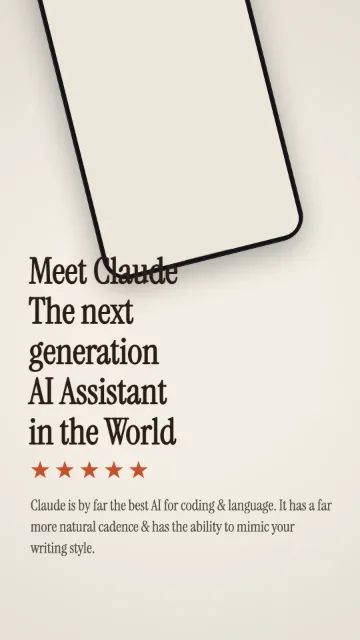
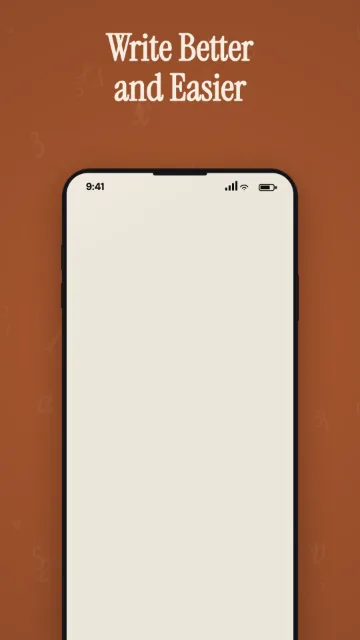
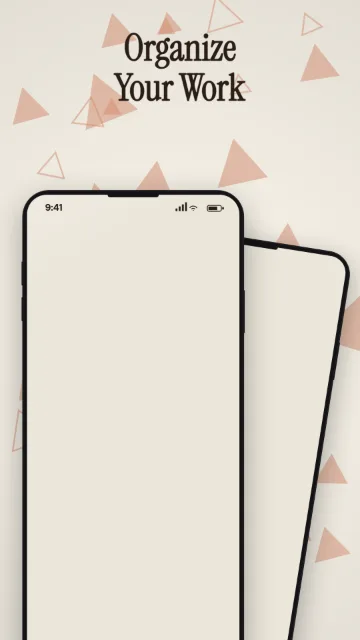
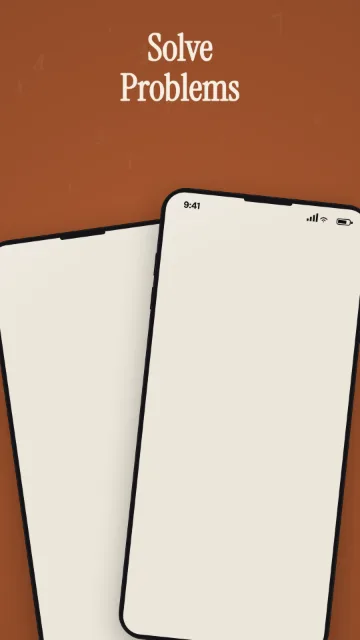
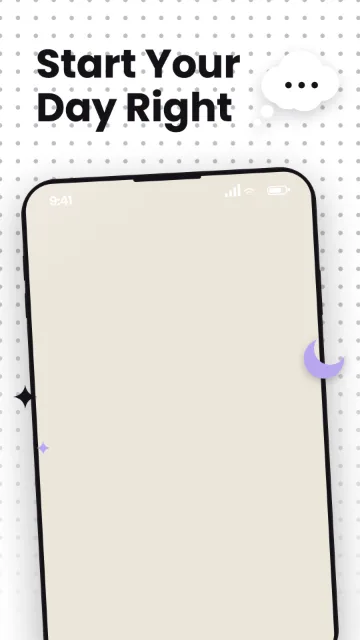
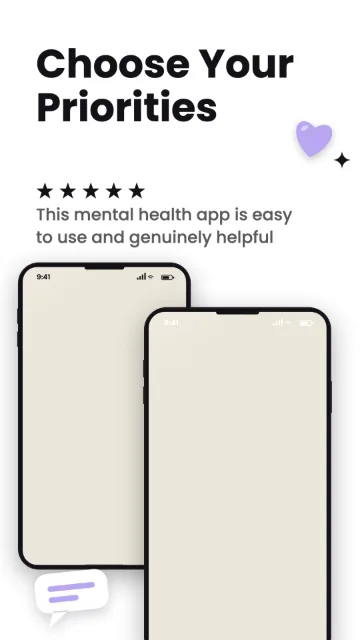
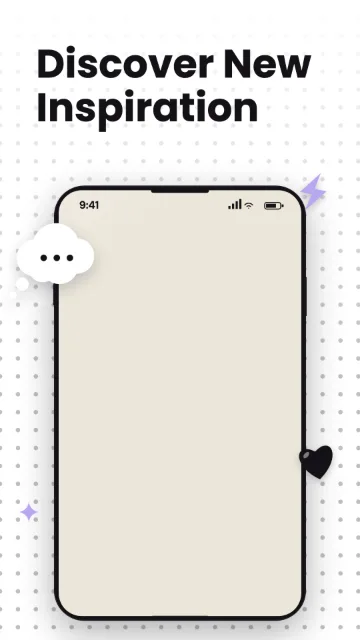
Terracotta
Free1080 × 1920Phone · 9:16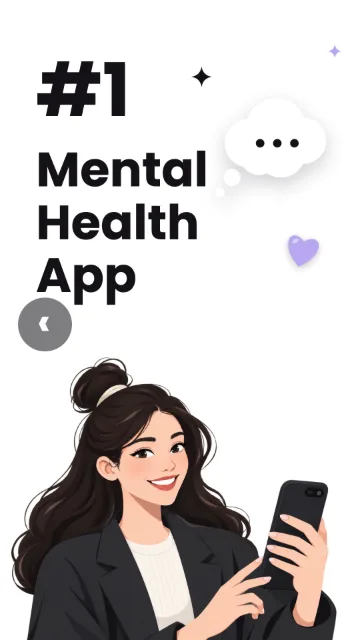
Pulse
Free1080 × 1920Phone · 9:16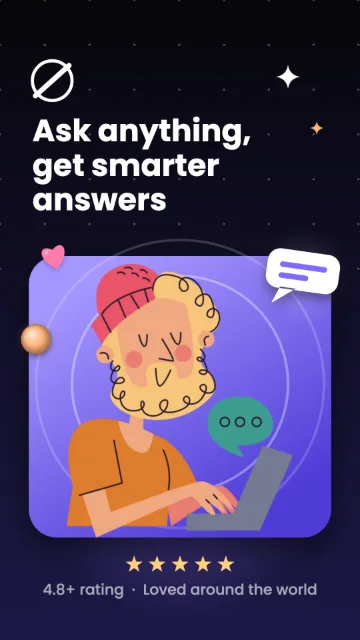
Nova
Free1080 × 1920Phone · 9:16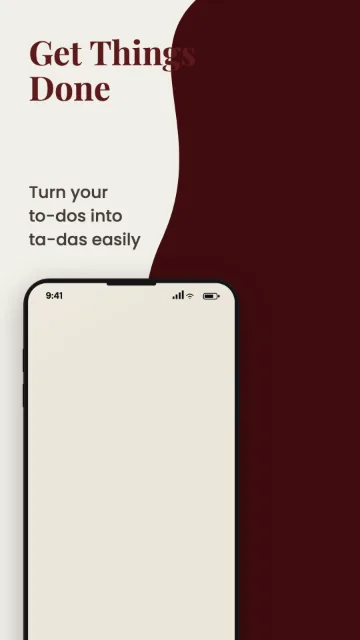
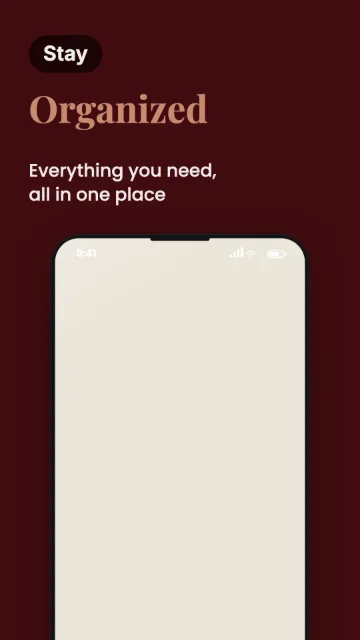
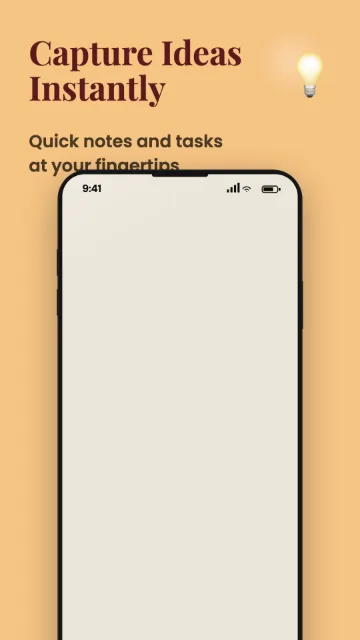
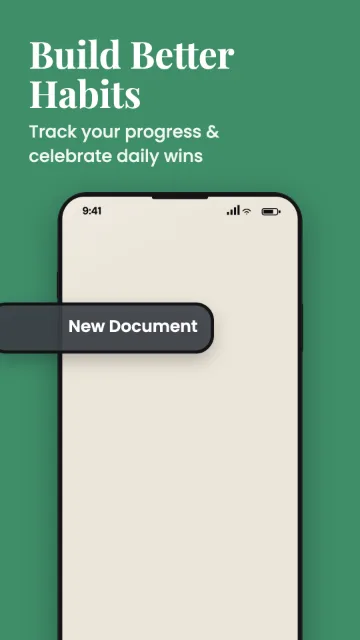
Bloom
Pro1080 × 1920Phone · 9:16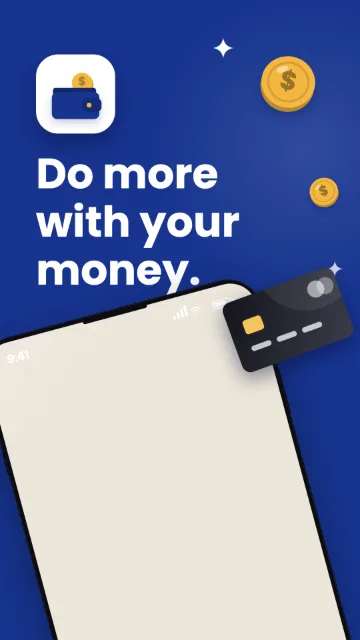
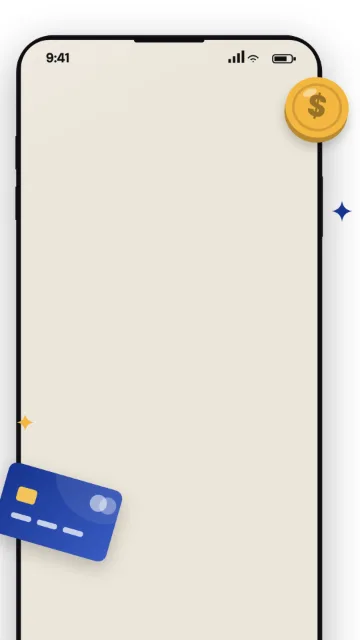
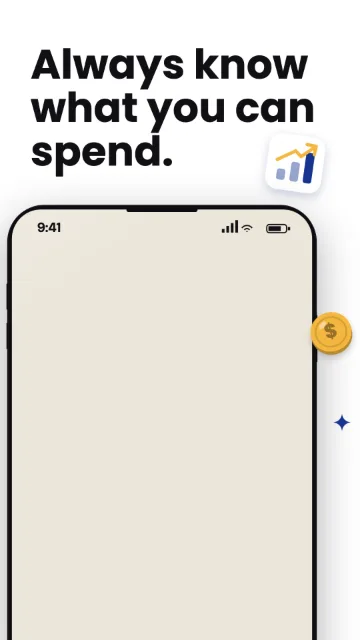
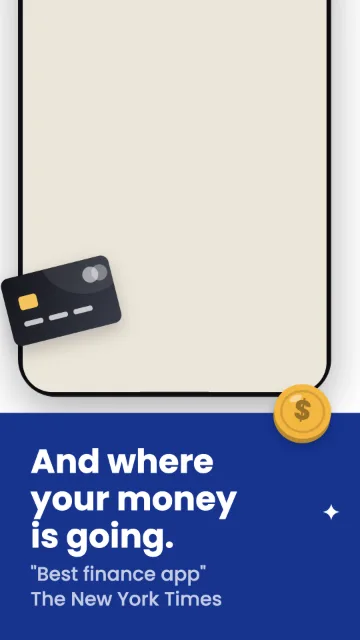
Ledger
Pro1080 × 1920Phone · 9:16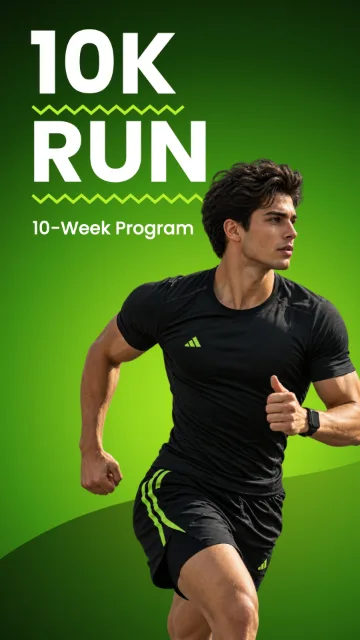
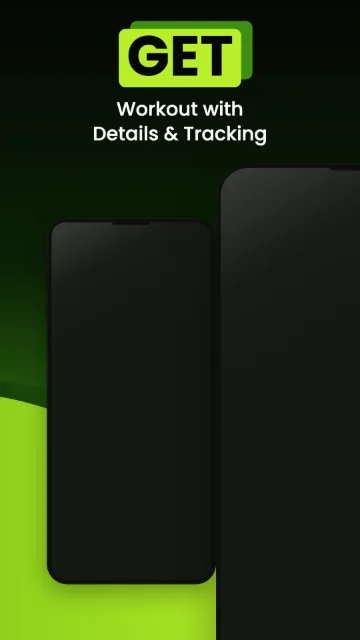
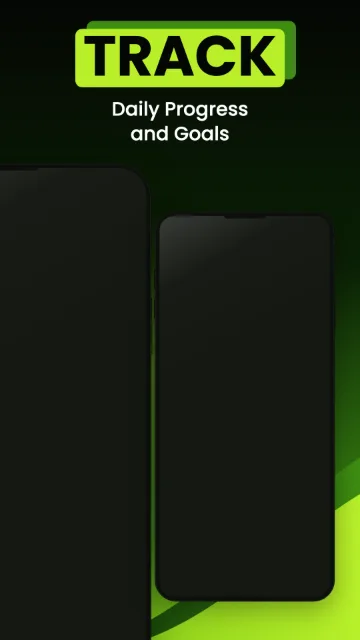
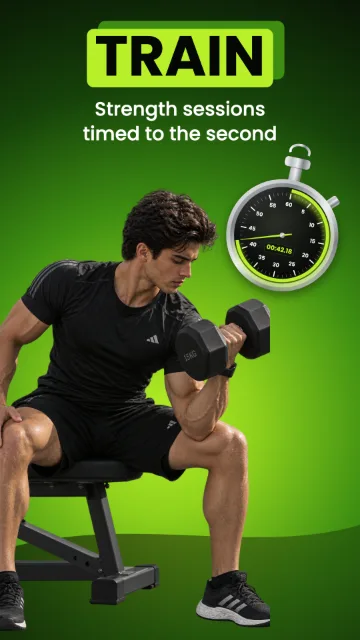
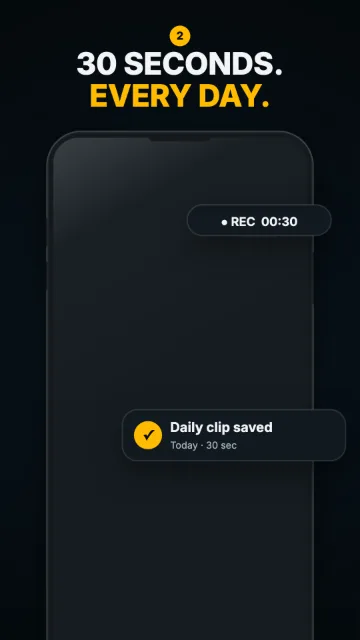
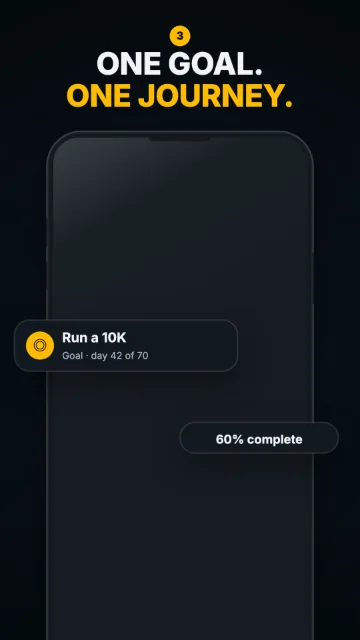
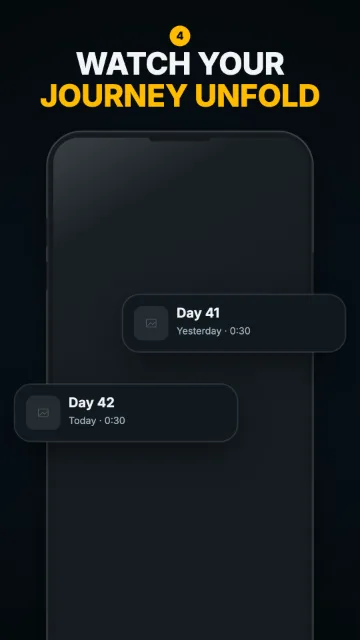
Stride
Pro1080 × 1920Phone · 9:16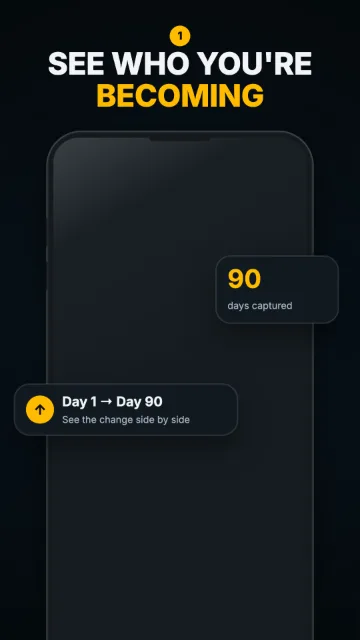
Showcase
Pro1080 × 1920Phone · 9:16
Mint Productivity
Pro1080 × 1920Phone · 9:16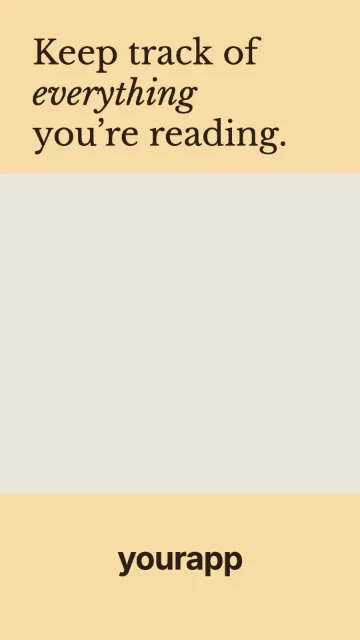
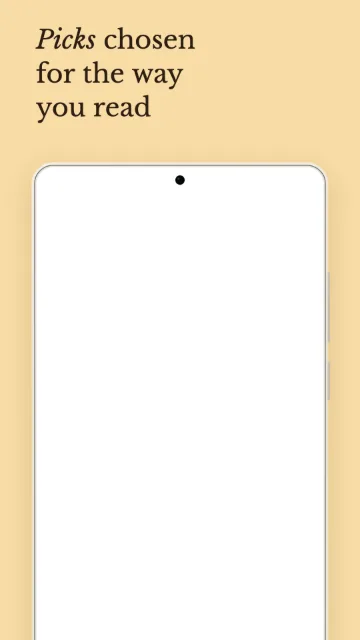
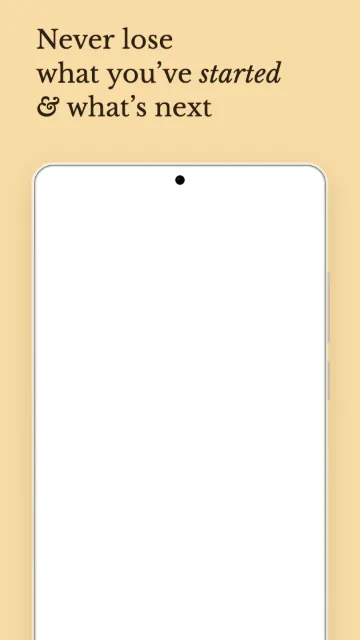
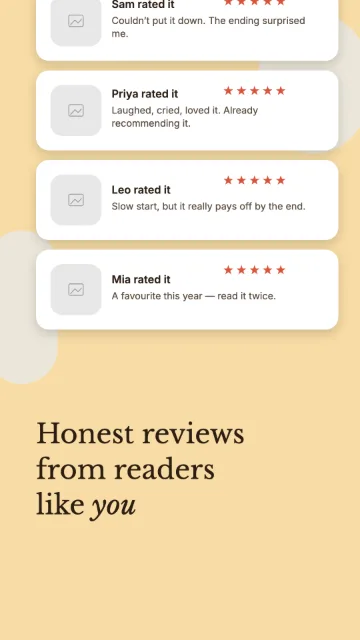
Bookish
Pro1080 × 1920Phone · 9:16
Meadow
Pro1080 × 1920Phone · 9:16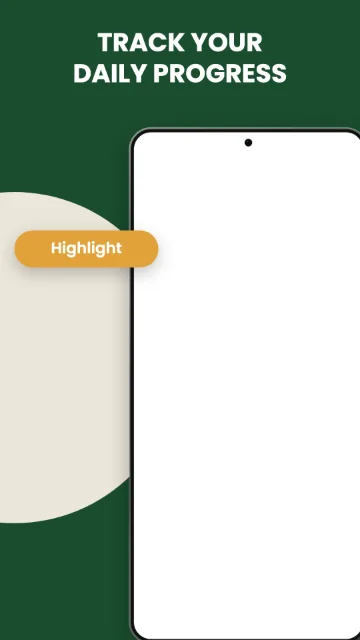
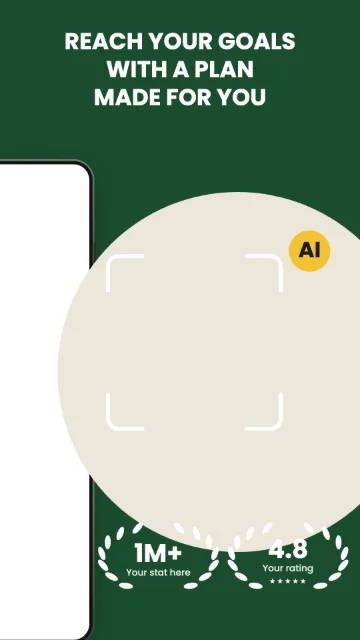
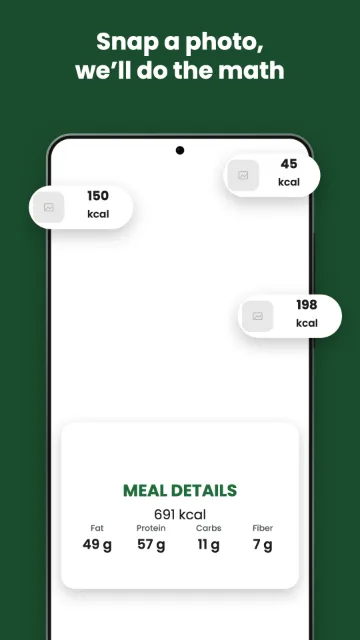
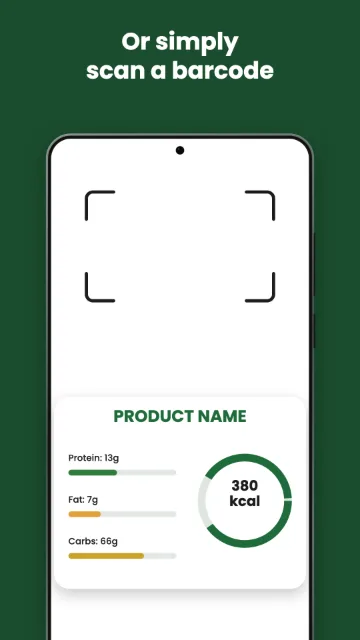
Fresh Macro
Pro1080 × 1920Phone · 9:16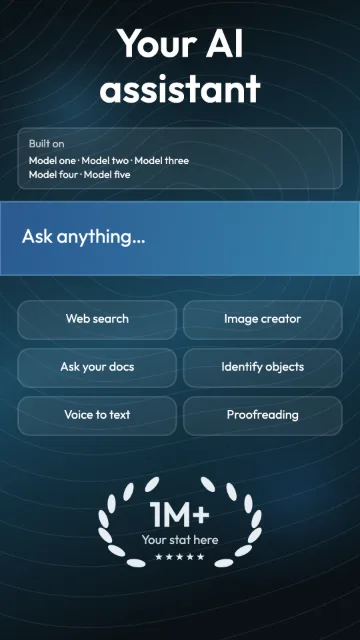
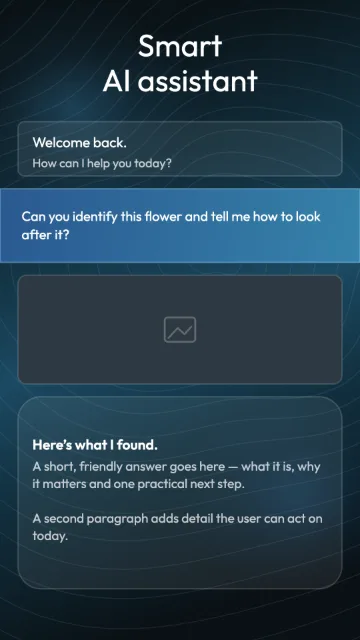
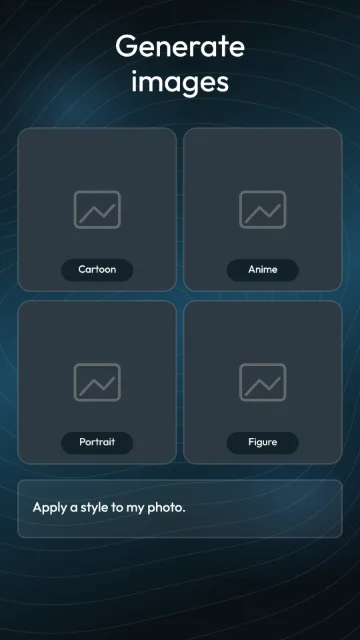
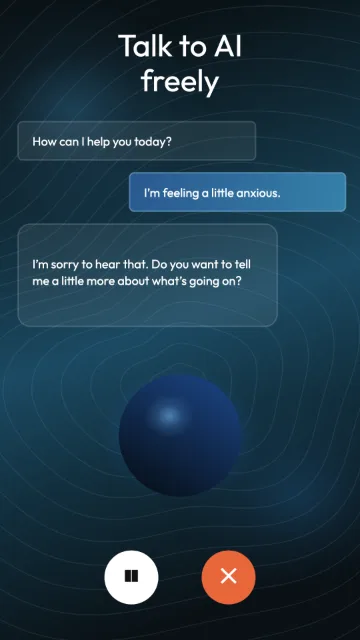
Midnight AI
Pro1080 × 1920Phone · 9:16Design once. Export the whole kit.
Replace the screens and headlines in one editable set, keep the frames, backgrounds and type consistent, and download every file the listing needs in one go.
Pick a screenshot set
Start from a finished set instead of an empty canvas. Each one lays out the whole carousel — background, phone frame and a headline per frame.
Drop in your app screens
One capture per frame, placed into the device frame. The image is read in your browser and never sent to a server.
Write one line per frame
Lead with what the user gets, not the feature name. The words are yours — ExportKit has no copy generation in it.
Export the kit
Download up to eight screenshots, or the whole kit as a zip with the icon, the feature graphic and your listing text alongside.
Google Play and the App Store want different files.
Each store publishes its own rules, and a file that passes one can bounce on the other. These are the numbers ExportKit works to, read from Google's and Apple's own documentation.
Two to eight per device type
JPEG or 24-bit PNG with no alpha, 320–3840 px per side, and the long side no more than twice the short side. Play screenshot sizes.
One iPhone size is required
1179 × 2556 (or 1206 × 2622) for iPhone, plus 2064 × 2752 if the app runs on iPad. Everything else scales down. App Store screenshot sizes.
Opposite transparency rules
Play wants a 512 × 512 PNG with alpha; the App Store wants a 1024 × 1024 full-bleed square. App icon sizes.
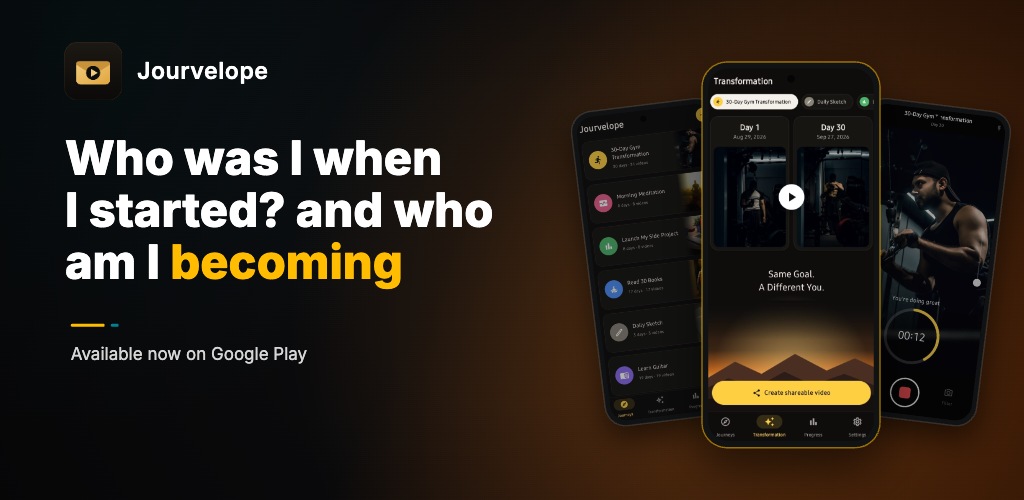
Feature graphic: 1024 × 500
Google Play requires one on every listing, as a JPEG or 24-bit PNG with no alpha. ExportKit's editor is locked to that size, so what you export is accepted as-is.
Make a 1024 × 500 feature graphic →Check the dimensions before you upload.
Drop existing images below to check their pixel size against what Google Play and the App Store accept. It checks size and file type only — not the content.
Check your image dimensions
Screenshots, feature graphics and icons. Files stay in your browser and are not stored.
A matching size does not guarantee store approval — check colour profile, transparency and the artwork itself as well.
One visual system; each store checked on its own.
Reuse the type, palette and screenshot order across both stores, then check each output against that store's own rules. The Play size reference and the App Store size reference carry the numbers and the date they were last read.
Follow the listing asset checklist or read how the free screenshot tools compare.
What each tier includes$0, or $70 once — never a subscription
Everything functional is free on both tiers. The fence is the design library.
| Free | Pro — $70 once | |
|---|---|---|
| Price | $0, forever | $70, one payment |
| Screenshot template sets | 3 free sets | All of them, plus every set added later |
| App icon — SVG + PNG, every size | Included | Included |
| Feature graphic — 1024 × 500 | Included | Included |
| Every export size and format | Included | Included |
| Listing-text fields with live counts | Included | Included |
Full .zip kit export |
Unlimited | Unlimited |
| Watermark | Never | Never |
| Commercial use | Included | Included |
| Work survives closing the tab | Yes, once you sign in | Yes |
| Cloud backup & another machine | 1 kit, signed in | Unlimited kits, up to 2 GB |
| Open the editor — free | Not on sale yet |
Frequently asked questions
What size is a Google Play feature graphic?
1024 × 500 pixels, as a PNG or JPEG, and Google Play requires one on every listing. ExportKit's feature graphic editor is locked to that dimension, so what you export is accepted as-is.
What size should app store screenshots be?
Google Play accepts 320–3840 px per side with the long side no more than twice the short side, and recommends at least 1080 px — so 1080 × 1920 is the usual portrait choice, and it is what ExportKit exports. The App Store is stricter: one iPhone screenshot at 1179 × 2556 (or 1206 × 2622) is required, plus 2064 × 2752 for iPad. Full numbers, dated and sourced: Play screenshot sizes and App Store screenshot sizes.
Do I need an account?
Not to use it. The editor opens and works with no sign-in, at full resolution and with no export cap. What an account changes is how long the work lasts: signed out, a kit lives in that browser tab and is gone when you close it. Sign in and it is kept.
If you sign in partway through building something, that work comes with you — nothing is lost in the swap.
Is ExportKit free?
Yes, and not as a trial. 1080 × 1920 Play screenshots, the app icon, the feature graphic, the listing-text coaching and the full zip export are free, unwatermarked and uncapped. Three screenshot template sets are free too.
The rest of the template library is a one-time $70 Pro licence — no subscription, no renewal. See what each tier includes.
Does the $70 ever renew?
No. It is one payment, with no subscription, no annual renewal and no expiry — and that includes every template set added after you buy. If a set is later retired from the gallery, you keep it.
Why can't I buy Pro right now?
Because the paid library is still small, and charging $70 for it today would be a bad deal honestly described. The price is published so you can plan around it, and the checkout opens when the library is worth it.
Are my app screenshots uploaded anywhere?
No. Everything is rendered and exported on your own device. Unless you explicitly sign in to back a project up, the images you drop in never leave your browser.
Does ExportKit work on a phone?
Not well, and we'd rather say so. The editor is built for a desktop screen at roughly 1280–1600px — it's a canvas tool with panels on both sides. This page reads fine on a phone, but do the actual work on a laptop.
Does it write my listing text for me?
No. ExportKit gives you a field per store text field with a live count against that store's real character limit, so you can see at a glance whether your short description fits. The words are yours.
Need the rest of your listing?
Screenshots are one part of a store listing. The app icon and the 1024 × 500 feature graphic come from the same project and land in the same zip, with your listing text alongside.
Guides and size references
Dated numbers read from Apple's and Google's own documentation, and the guides that use them.
Ship the listing, not the resizing
Replace the sample screens, write your headlines and download every file the listing needs.