 ExportKit
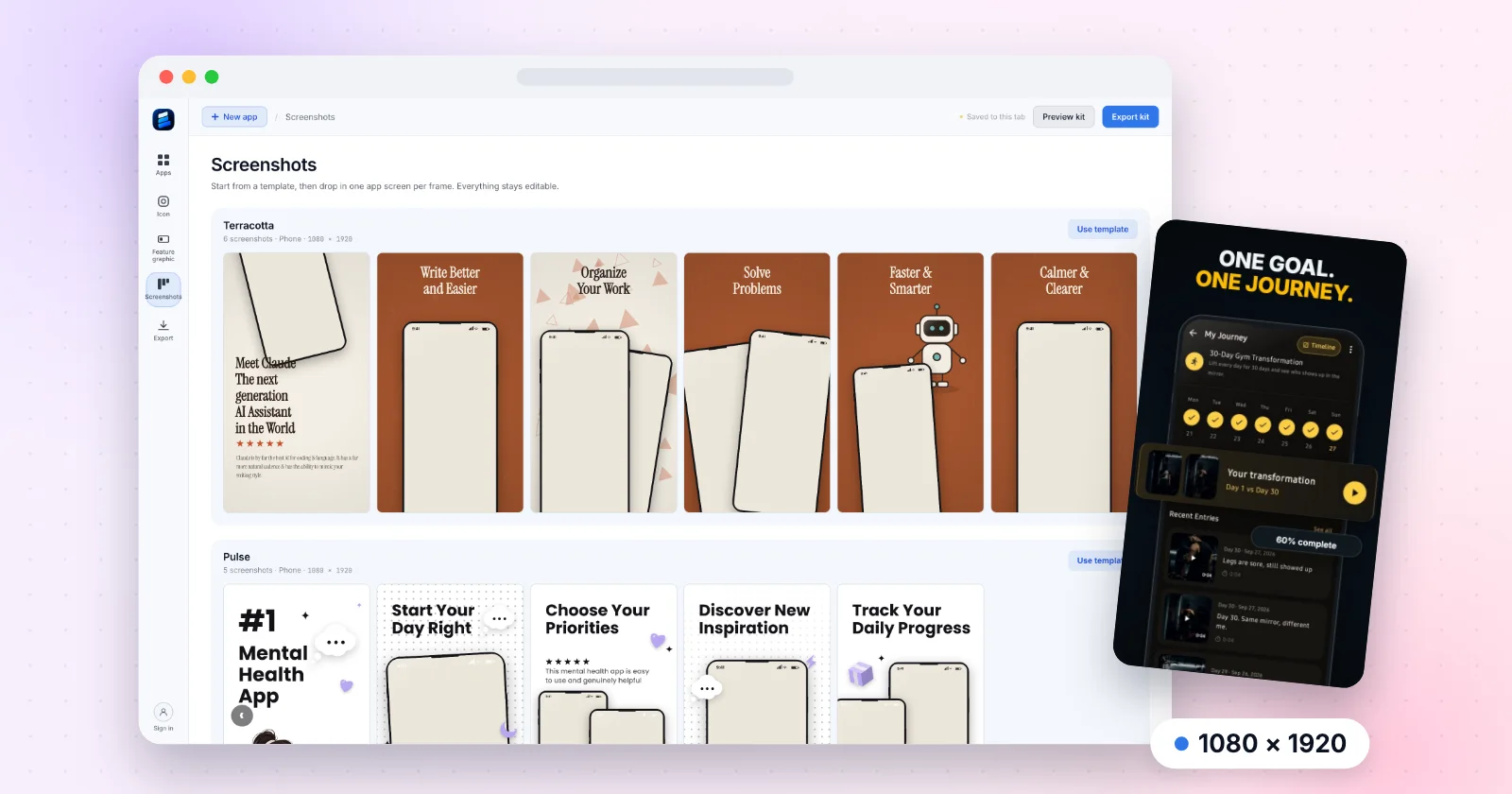
The Best Play Store Screenshot Generator in 2026: Screenhance vs Canva vs Figma vs ExportKit
What each tool costs, what the free plan really exports, and which one fits the listing you have to ship this week. Prices read on 2 November 2026.
Signing you in…
Guides, dated size references and the browser tools that hit those sizes — the numbers read from Apple and Google's own documentation, with the date they were read.
What each tool costs, what the free plan really exports, and which one fits the listing you have to ship this week. Prices read on 2 November 2026.
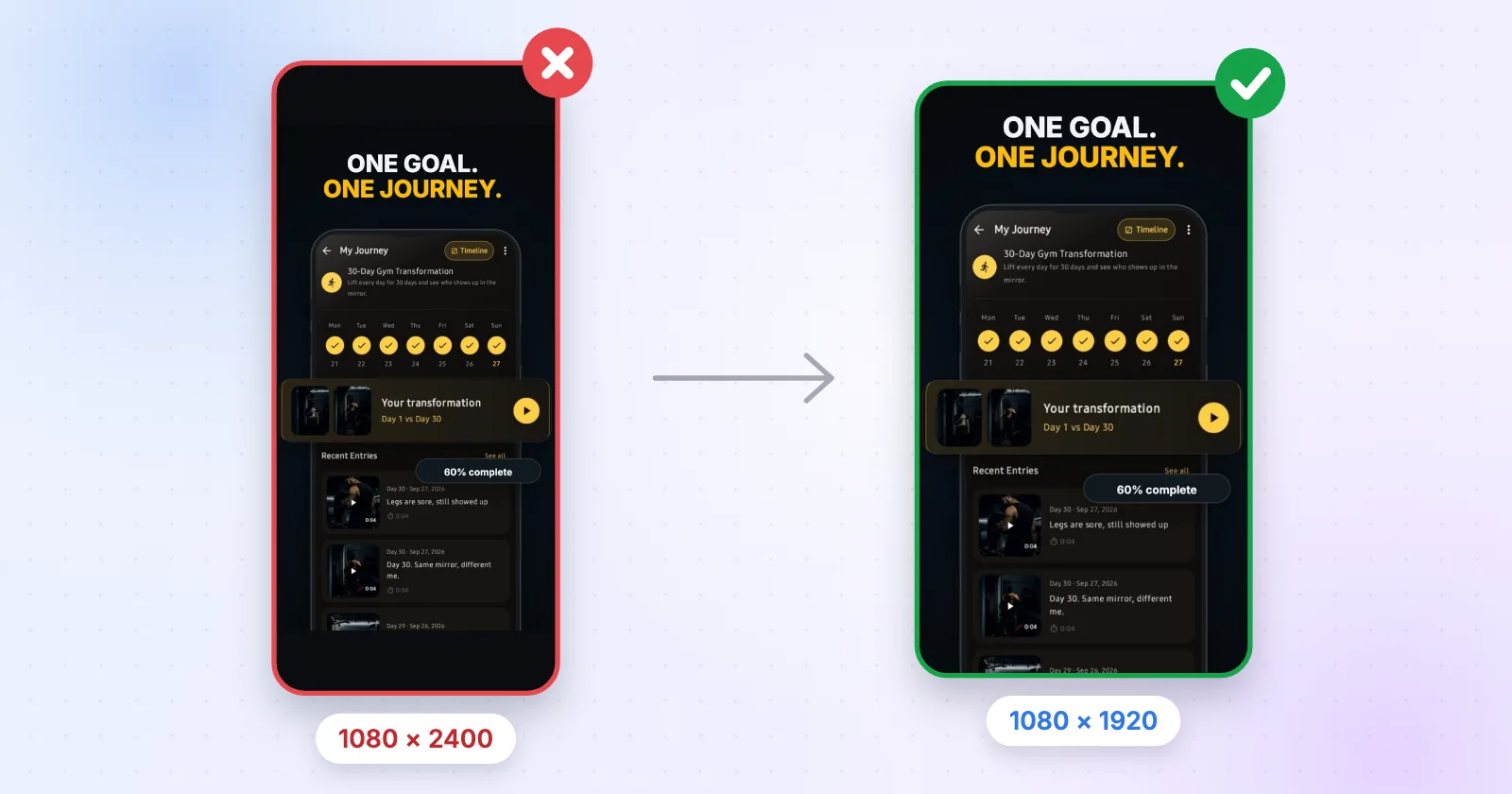
Tall 20:9 captures, transparent PNGs, oversized 2x exports and the wrong feature graphic: why Google Play refuses the file, and the two-minute fix.
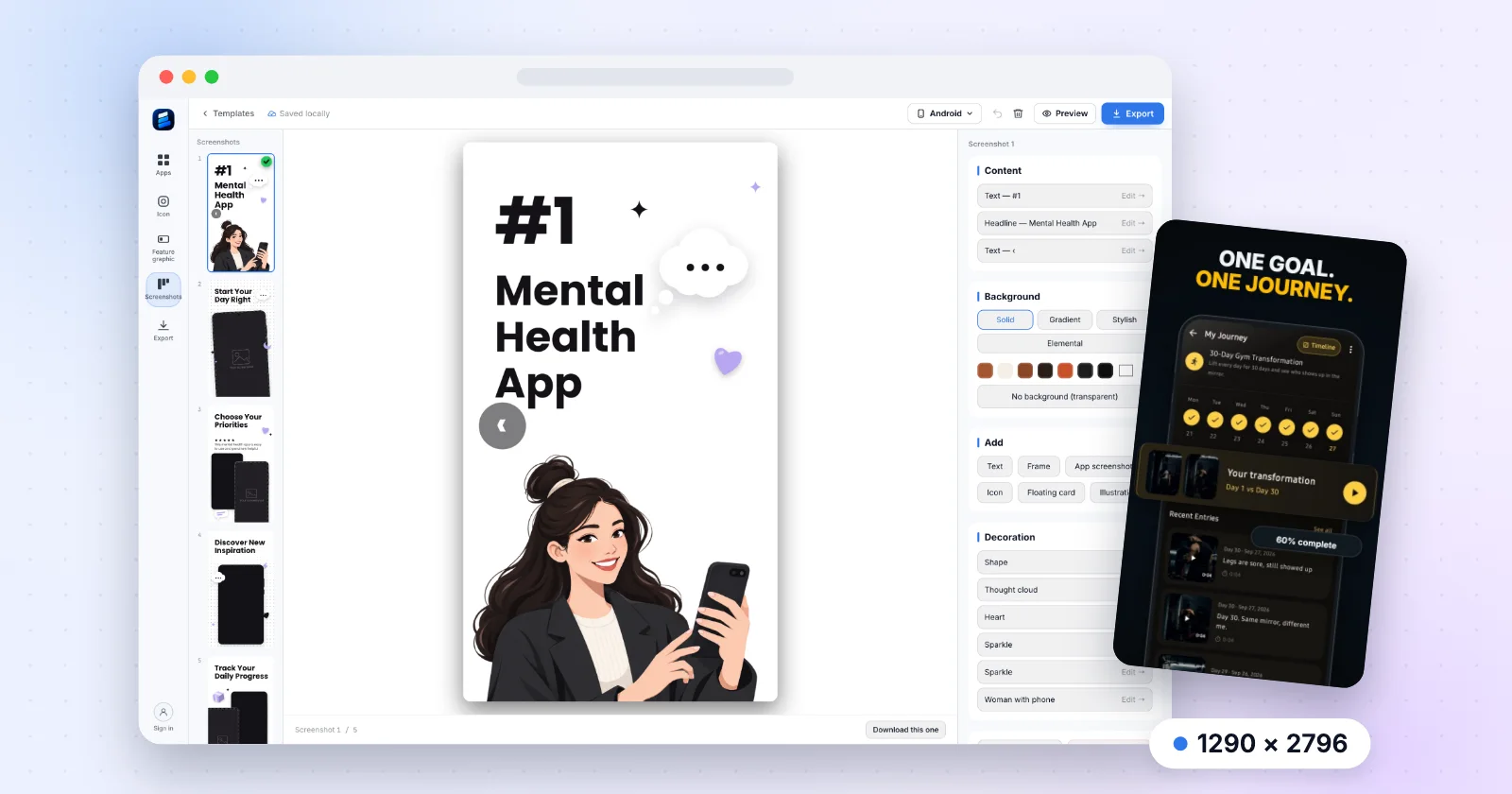
Why Canva gets fiddly for store screenshots, what a better tool needs, and how I make Play Store and iPhone sets at the right size for free.
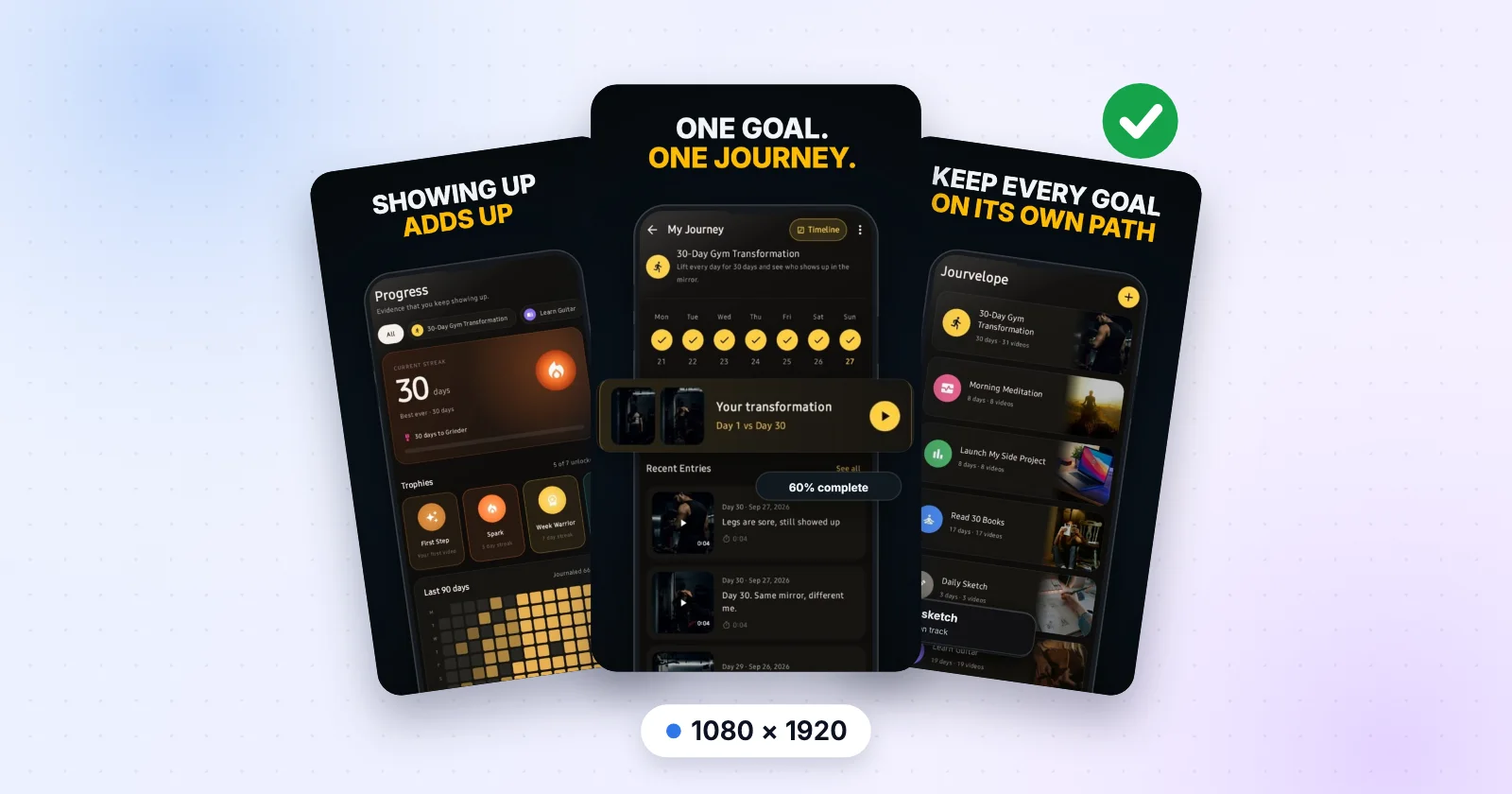
What "free" means across this category, what ExportKit's free tier actually allows, and the six steps from screen grab to Play Console upload.
AppScreens, AppLaunchpad, Previewed, ScreenshotWhale and ExportKit: screens per project, export caps, watermarks and whether your app screens get uploaded. Every row dated.
Every graphic and text field both stores require, with the pixel sizes, the character limits and the order that wastes the least time.
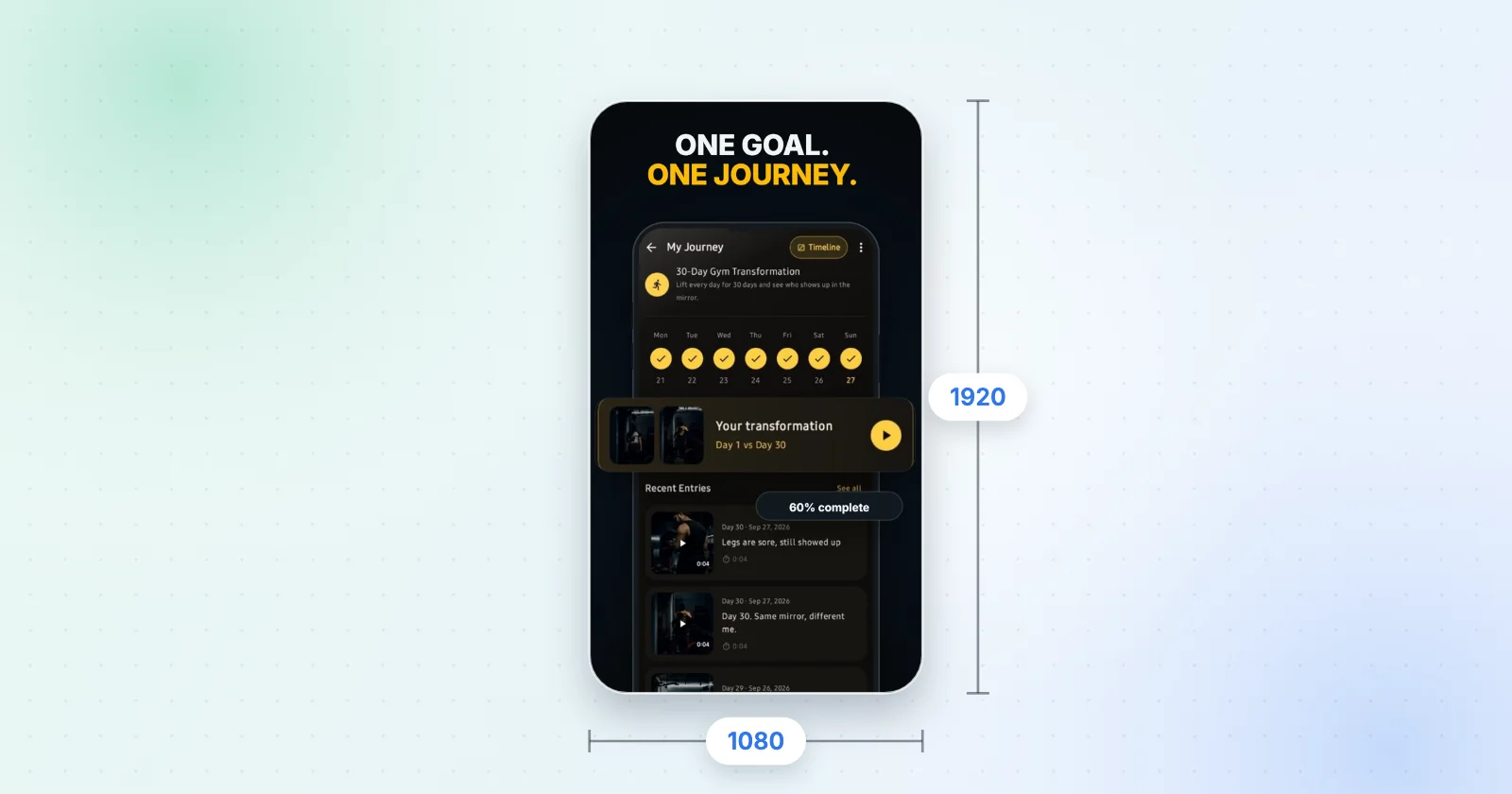
Minimum and maximum dimensions, the aspect-ratio rule that rejects uploads, how many you need per device type, and the large-screen rules.
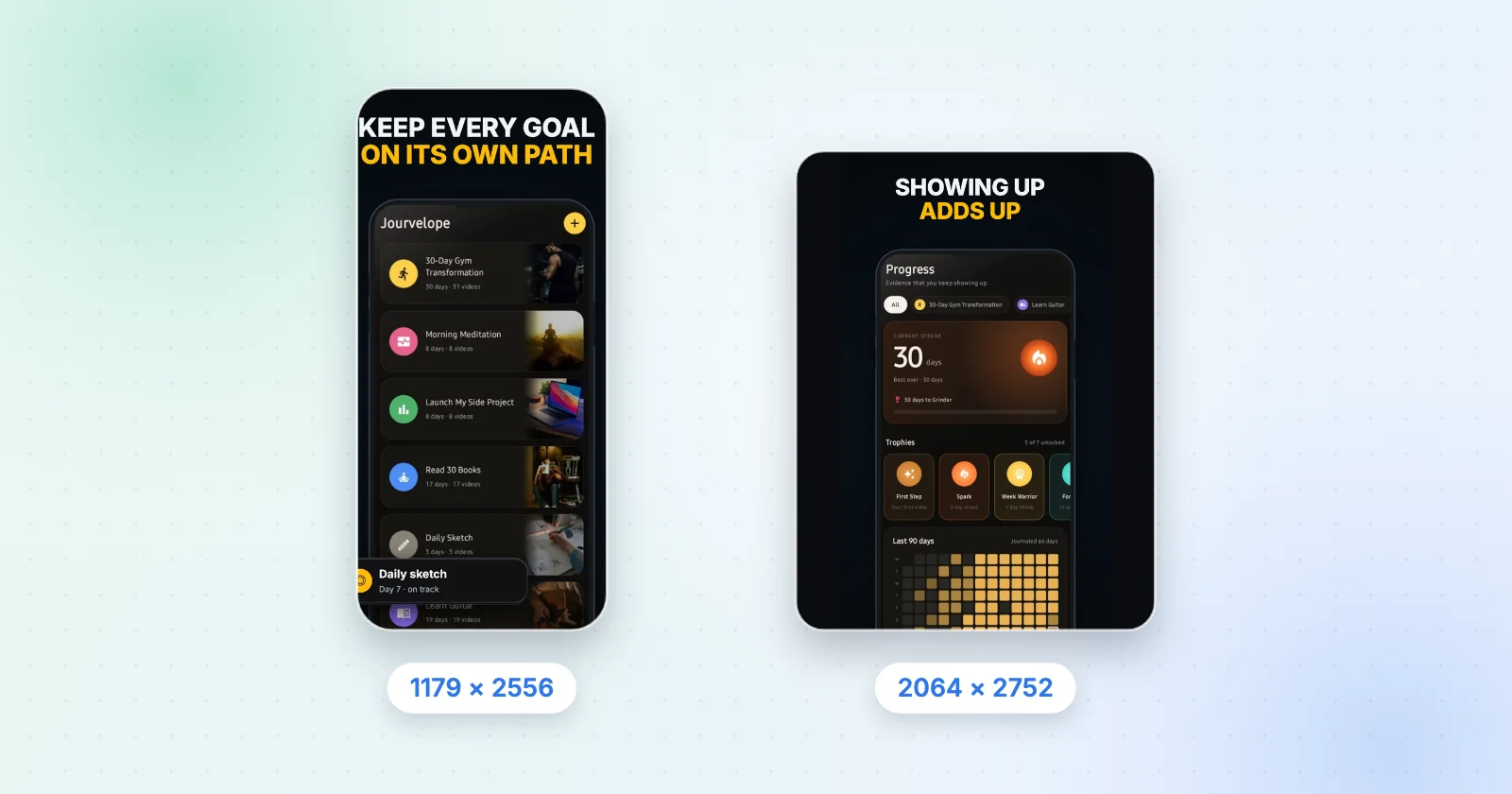
The full display-category table, which two sizes are actually required, and the iPhone Duo sizes that become mandatory in April 2027.
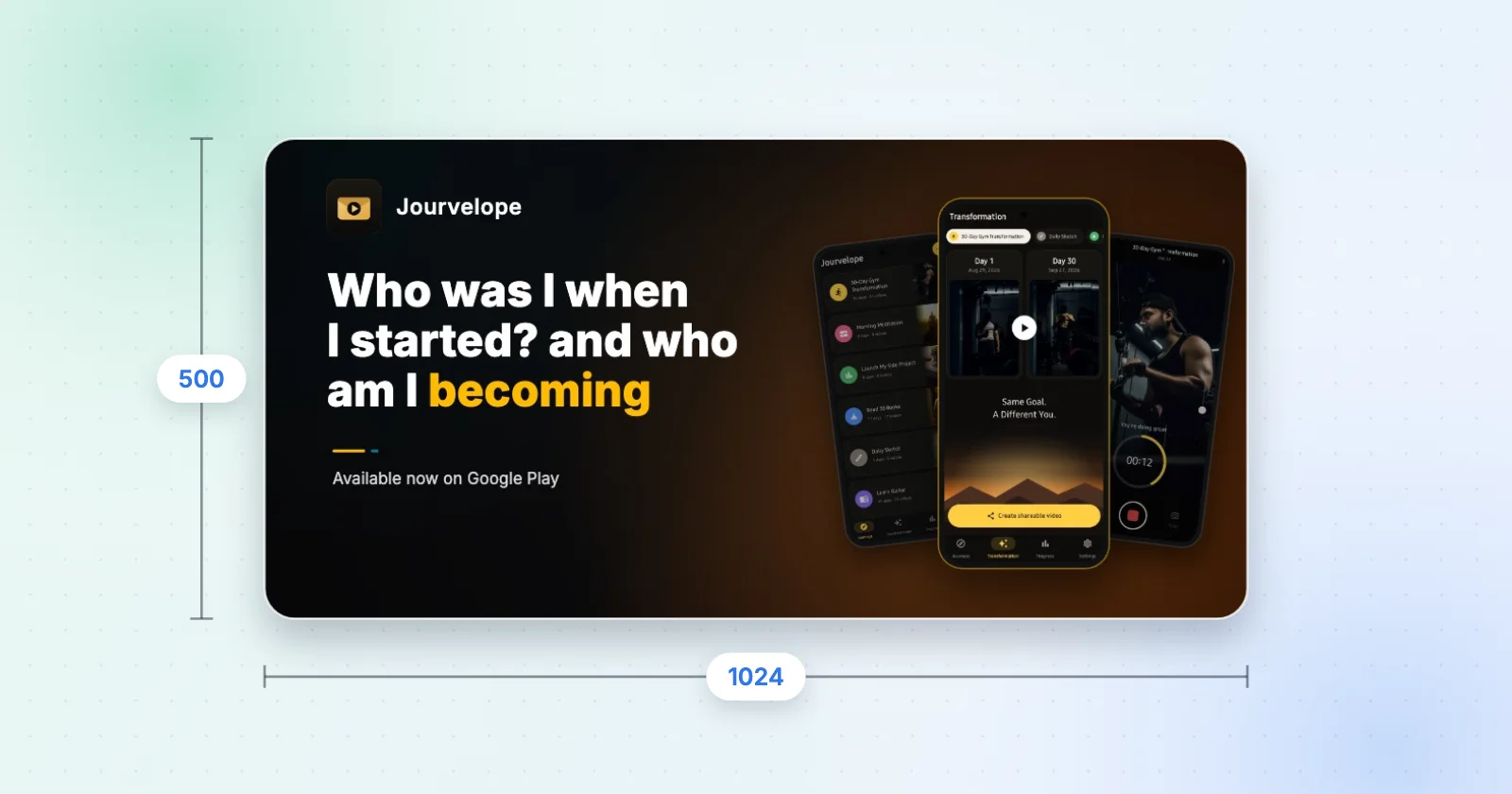
One exact dimension, two accepted formats, and the alpha-channel rule that is the most common reason a graphic bounces.

512 × 512 for the Play listing, 1024 × 1024 for the App Store, and the Android launcher set from mdpi up to xxxhdpi.
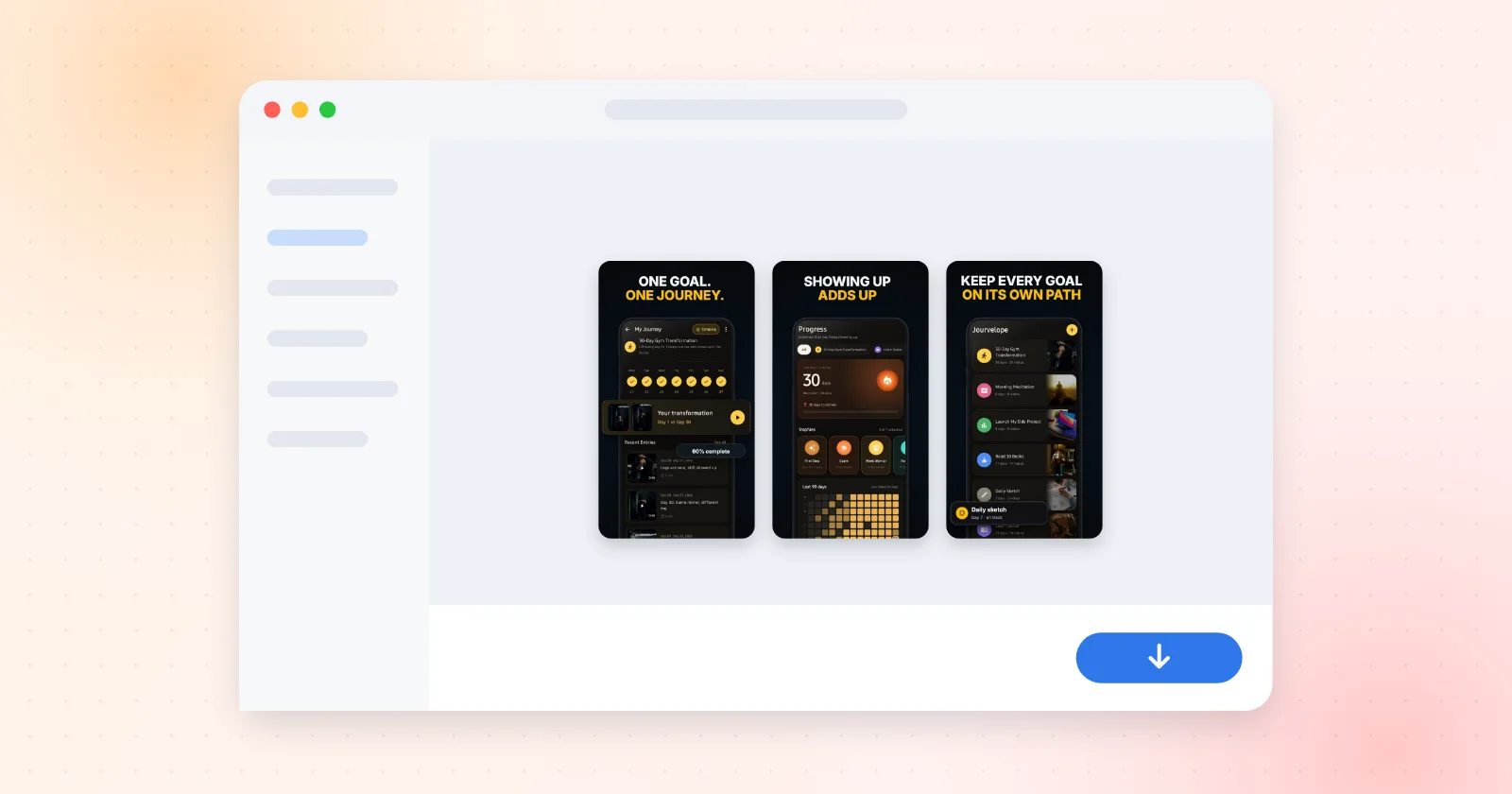
Drop your app screens into a template set, write a headline per frame, download up to eight screenshots at once.
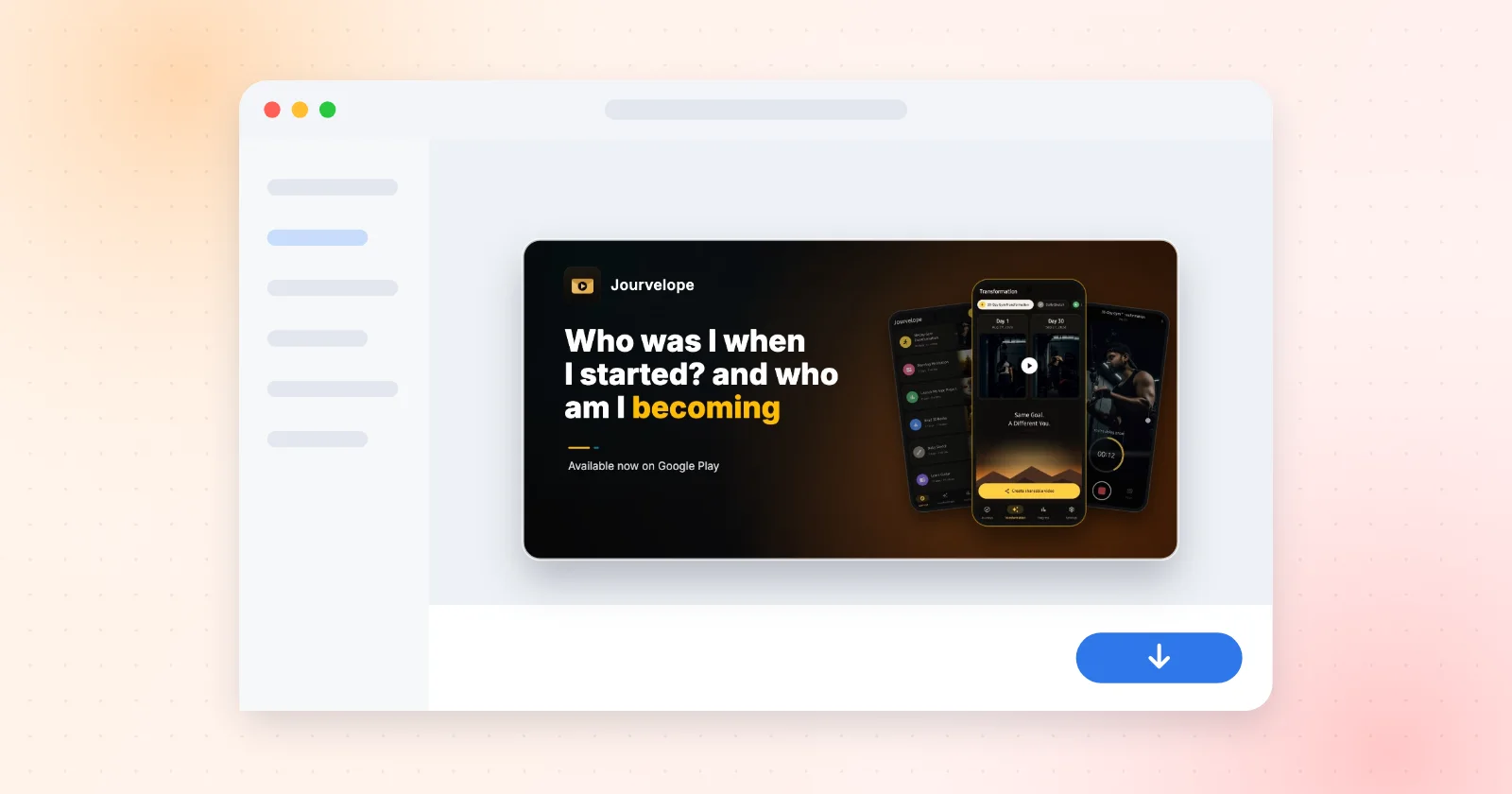
The banner Google Play requires on every listing, locked to the one dimension it accepts.

Design once, export an SVG plus every PNG size Android and the App Store ask for, named and foldered.
No account to start. The editor opens and exports in full with no sign-in. What signing in changes is how long the work lasts: signed out, a kit lives in that browser tab and is gone when you close it.
No. Every asset is drawn on a canvas in your browser and the zip is assembled in the same tab. Nothing leaves the browser unless you sign in and press Back up now.
Each page carries the date it was last read against the store's own documentation — currently 17 October 2026. Apple and Google both change their requirements; if one of these numbers has moved, email hello@exportkit.app and it gets re-read.
Replace the sample screens, write your headlines and download every file the listing needs.